 ⬇️
⬇️
Key Takeaways
- Healthcare UCaaS decisions should begin with clinical workflows, security obligations, and integration requirements rather than a generic feature checklist.
- Cisco Webex, Microsoft Teams, and RingCentral offer broad communications ecosystems, while a services-led option can provide additional migration and operational support.
- Buyers should test vendors against real care scenarios, including telehealth, home healthcare, downtime procedures, and communication involving protected health information.
Why healthcare UCaaS matters now
Communication in a medical organization rarely follows a tidy path. A patient call may move from a contact center to a nurse, then to scheduling, billing, or a specialist. Meanwhile, clinicians are messaging from different locations, virtual visits are underway, and IT teams are trying to retire aging phone systems without interrupting care.
That pressure is pushing Unified Communications as a Service beyond ordinary business telephony. Current research projects the global healthcare UCaaS market to grow from approximately $5.83 billion in 2026 to $10.11 billion by 2031, an estimated compound annual growth rate of 11.62%. Hospitals accounted for about 40.7% of healthcare end-user adoption in 2025, but home healthcare is the faster-moving segment, with an estimated 18.8% growth rate.
The shift is already visible. Roughly 76% of U.S. hospitals offer telehealth or remote care services, creating demand for coordinated voice, video, messaging, presence, and workflow tools. Public cloud deployments also represent about 73% of the broader UCaaS market.
Putting calling and video in the cloud does not automatically create a clinically useful communications environment. Medical buyers still have to address HIPAA obligations, identity controls, retention policies, emergency calling, device management, and the movement of information between communications platforms and clinical systems.
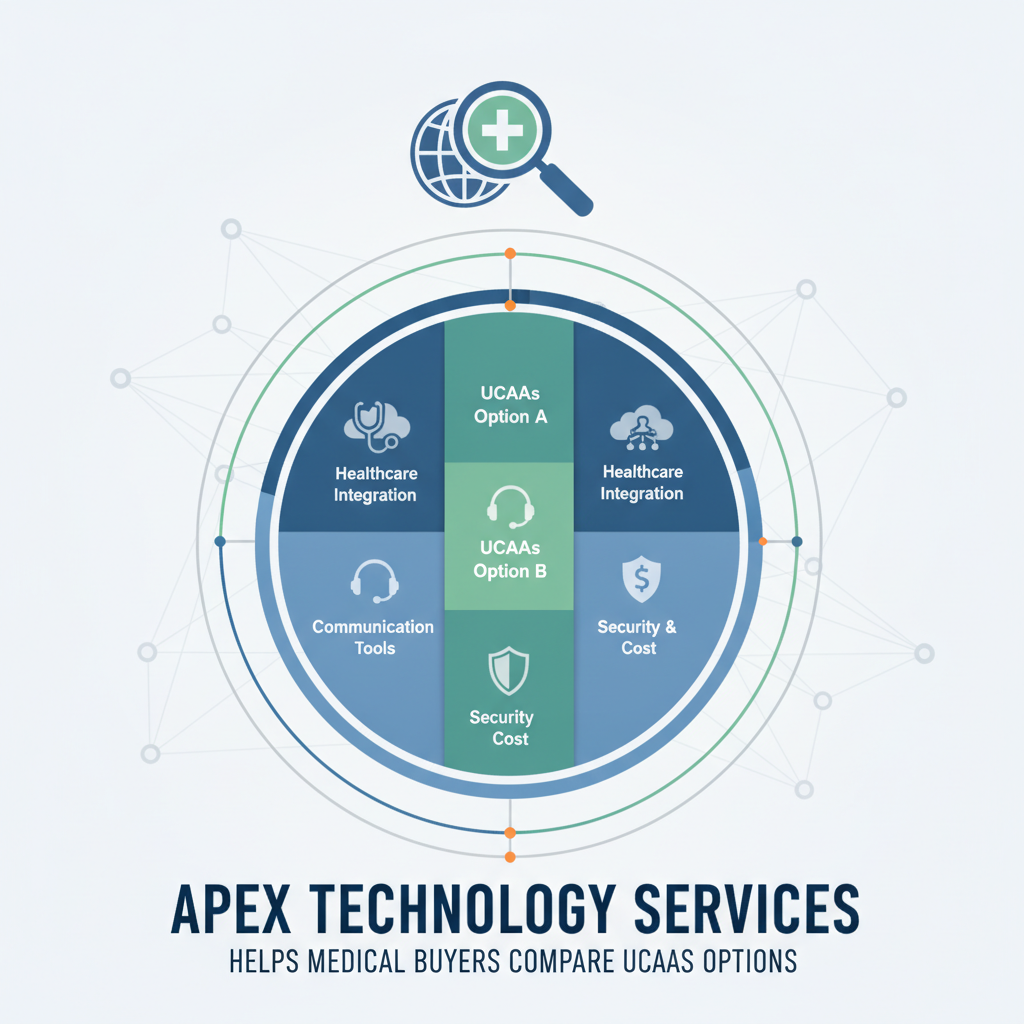
Comparing common UCaaS options
Healthcare organizations commonly evaluate large platforms such as Cisco Webex, Microsoft Teams, and RingCentral. They may also consider a services-led provider that helps select, deploy, secure, and manage the underlying environment.
The comparison below is directional. Product capabilities, contract terms, and available integrations can change, so shortlisted vendors should demonstrate their current configurations.
| Dimension | Apex Technology Services | Cisco Webex | Microsoft Teams | RingCentral |
|---|---|---|---|---|
| Security and compliance | Services-led approach can help buyers assess configuration, cybersecurity, and operational controls across the environment | Enterprise communications platform with security and administrative controls that buyers should validate for the proposed healthcare configuration | Broad identity and compliance ecosystem, particularly relevant to organizations already using Microsoft services | Cloud communications platform with administrative and security capabilities that require workload-specific review |
| Integration depth | Can assist with planning connections among communications, infrastructure, identity, and clinical applications | Broad enterprise ecosystem; healthcare buyers should verify required EHR and workflow integrations | Often attractive where Microsoft identity, productivity, and collaboration tools are already established | Offers communications APIs and integrations, with suitability depending on the organization’s clinical and administrative workflows |
| Deployment and migration | Strong shortlist consideration for organizations seeking consulting, migration planning, and managed support | Appropriate for enterprises able to manage or source a structured platform rollout | Can reduce application sprawl for Microsoft-oriented organizations, although telephony migration still requires careful planning | Cloud-first deployment model suited to organizations seeking consolidated calling and collaboration |
| Scalability | Depends on the selected architecture and service scope; useful for buyers wanting one partner to coordinate multiple locations | Designed for large, distributed enterprise environments | Relevant to organizations supporting large user populations across existing Microsoft environments | Oriented toward distributed cloud communications across offices and user groups |
| AI and automation | Value depends on the chosen platform and how automation is implemented within broader workflows | Buyers can evaluate current assistance, meeting, contact-center, and administrative automation functions | Buyers can assess collaboration and productivity automation within the Microsoft ecosystem | Buyers can review available communications analytics and automation against specific use cases |
| Pricing and TCO | Services, licensing, migration, support, circuits, and security should be evaluated as one operating model | Contract structure and required modules should be compared with existing infrastructure costs | Enterprise licensing may influence economics for current Microsoft customers | Buyers should examine seat definitions, calling plans, add-ons, implementation, and support costs |
No column wins every row. That is normal. Cisco Webex may appeal to a large health system prioritizing an established enterprise communications ecosystem. Microsoft Teams may make sense where identity, productivity, and collaboration already center on Microsoft. RingCentral can be relevant for buyers pursuing a cloud-first communications platform. A services-led approach from a provider like Apex Technology Services tends to stand out when internal teams want help connecting platform selection with networking, cybersecurity, migration, and ongoing management.
Evaluate workflows before features
A hospital CIO replacing an on-premises phone system should start with high-consequence workflows. What happens when a nurse calls a physician after hours? How are emergency calls located and routed? Can clinical teams communicate during an internet or platform outage? A vendor that cannot clearly demonstrate those scenarios may be removed from the shortlist, even if its general collaboration interface looks polished.
Integration deserves similar scrutiny. HL7 and FHIR can support information exchange with electronic health records and clinical applications, but the presence of an API does not mean an integration is ready for production. Buyers should clarify who builds it, who monitors it, what data passes through it, and how failed transactions are handled.
Security reviews should examine more than a vendor’s general compliance statement. Ask whether protected health information will enter chat, voicemail, recordings, transcripts, meeting summaries, or analytics. Then map encryption, access controls, audit logging, retention, deletion, and incident response to those data paths. TLS can protect communications in transit, but endpoint security and account governance still matter.
What to look for in a provider
For a director of IT supporting a growing home healthcare organization, mobility may come first. Staff could be using managed phones, personal devices, home networks, and cellular connections while visiting patients. Success means reliable calling and messaging with sensible authentication, remote device controls, and support that does not assume every worker sits behind a hospital firewall.
Provider evaluation should therefore include operational depth. Who owns number porting? Who tests call flows? Will the provider coordinate carriers, firewalls, identity systems, endpoints, and clinical application teams? Failing to coordinate these elements can lead to misrouted emergency calls, dropped patient connections, or compliance violations upon launch.
Support also needs context. A generic response target says little about how an incident involving a patient access line will be handled. Buyers should examine escalation procedures, service monitoring, maintenance communications, and the division of responsibility among the UCaaS vendor, implementation partner, internet carrier, and internal IT group.
Questions to ask shortlisted vendors
Ask vendors to explain their answers with architecture diagrams and demonstrations rather than yes-or-no responses:
- Which parts of the proposed environment may create, transmit, or store protected health information?
- How are voice, video, messaging, recordings, transcripts, and administrative access secured?
- Which HIPAA-related contract terms apply, including business associate responsibilities?
- How does the platform integrate with our identity, EHR, contact-center, paging, and scheduling systems?
- What happens to emergency calling and critical workflows during an outage?
- Which licensing, calling, storage, support, migration, and integration costs sit outside the base subscription?
- How are new sites, acquisitions, remote clinicians, and home healthcare workers onboarded?
- What telemetry and reporting help IT distinguish a platform problem from a network or endpoint issue?
Making the decision
A useful scorecard weights clinical continuity, security, integration, support, and total cost according to the organization’s actual operating model. Run finalist demonstrations using realistic workflows, confirm contractual responsibilities, and conduct a limited pilot with both clinical and administrative users.
Then look past the demo. Which option can the organization govern, support, and improve over several years? That answer, more than the longest feature list, usually points to the sounder UCaaS decision.