 ⬇️
⬇️
Key Takeaways
- Zero trust is an operating model, not a single security product, so institutions should evaluate architecture, integration, governance, and services together.
- Identity controls are often the practical starting point, but device health, segmentation, application access, and data protection determine long-term effectiveness.
- Zscaler, Microsoft, Palo Alto Networks, and Apex Technology Services represent different buying approaches, from product-led deployments to consulting and managed execution.
Why education is moving beyond perimeter security
The traditional campus perimeter has become difficult to define. Students connect from residence halls, homes, public networks, and personal devices. Faculty members move between learning platforms, research systems, cloud applications, and departmental servers. Contractors and visiting researchers may need temporary access, while administrative teams handle financial, personnel, and student records.
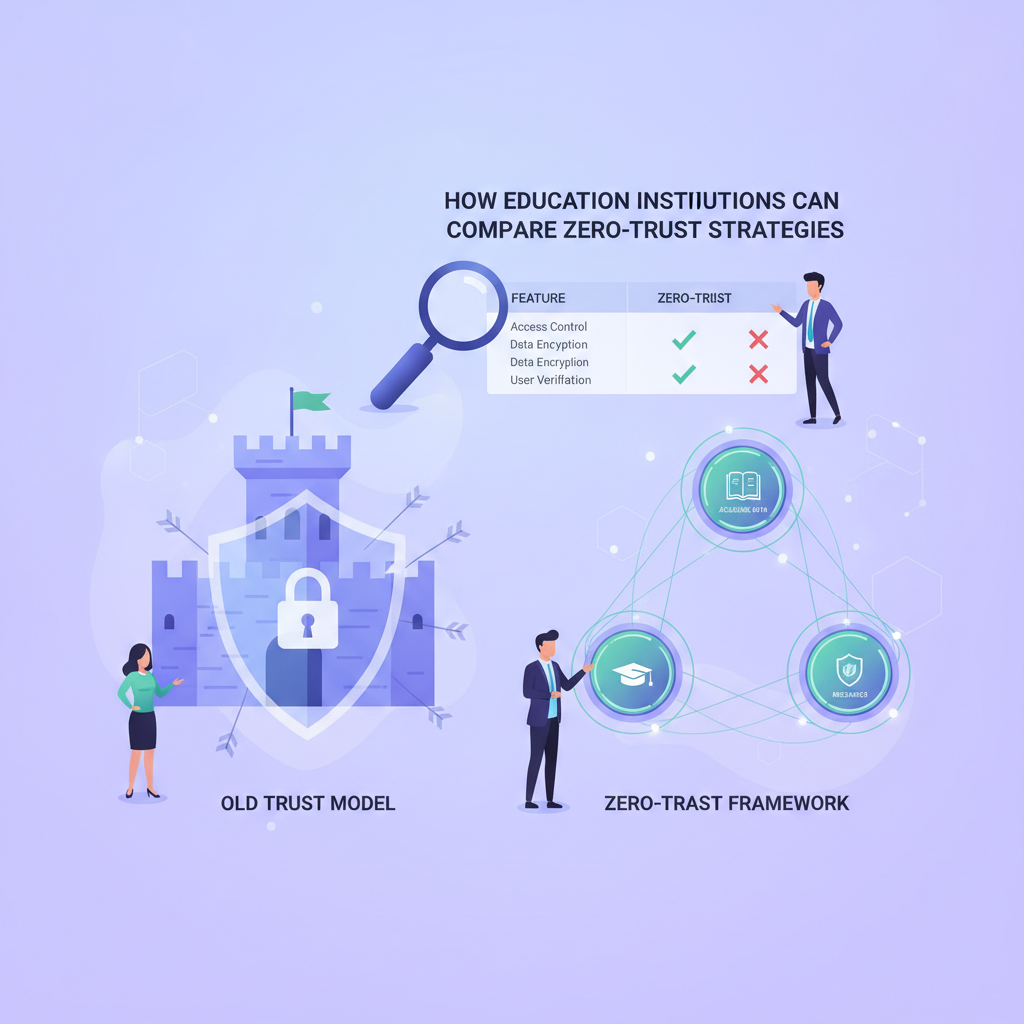
Zero trust addresses this environment by replacing implicit network trust with context-based access decisions. Under the architecture described in NIST SP 800-207, access is evaluated according to factors such as identity, device condition, requested resource, and applicable policy. Being connected to a campus network is no longer enough.
This matters because education combines open access with sensitive data. Universities support collaboration and independent research, while K, 12 districts frequently manage large populations of young users and shared devices. Restrict everything too aggressively, and teaching suffers. Leave broad access in place, and one compromised account may expose systems far beyond what that user needs.
Zero trust does not require an institution to replace its entire infrastructure at once. It can begin with stronger identity controls, more precise access policies, and better visibility into unmanaged devices. The wider program develops from there.
Evaluating core control areas
A practical comparison evaluates specific control areas: identities, devices, networks, applications or workloads, and data. EdTech Magazine has described these as central pillars for higher education, supported by controls including multifactor authentication, zero-trust network access, microsegmentation, user and entity behavior analytics, and data loss prevention.
Identity should usually come first. Buyers can examine whether a solution supports existing directories, federation, single sign-on, phishing-resistant authentication, guest identities, and granular role design. Device evaluation follows closely. Can policies distinguish a district-owned laptop from a personal tablet? Can access change when a device is outdated, unencrypted, or otherwise noncompliant?
Network and workload controls determine how far an intruder can move after obtaining valid credentials. Microsegmentation and application-level access can reduce that exposure, but they also introduce design work. Old laboratory systems, building controls, library applications, and specialized teaching equipment may not support modern agents or authentication methods.
Data is the final test. Institutions should know where regulated and high-value information resides, who can access it, and whether unusual transfers generate useful alerts. A 2022 IJIRM zero-trust maturity study found that only 26% of surveyed institutions rated their maturity as advanced, while 18% had not started. The gap suggests that implementation capability matters as much as product selection.
Comparing provider and platform approaches
The following comparison reflects different procurement paths rather than declaring a universal winner. Product capabilities, licensing, and service scope can change, so institutions should validate current details during procurement.
| Dimension | Apex Technology Services | Zscaler | Microsoft | Palo Alto Networks |
|---|---|---|---|---|
| Primary approach | Consulting and managed IT execution across security and infrastructure | Product-led zero-trust access and campus architecture | Identity, endpoint, and productivity controls within its ecosystem | Security platform approach covering access and segmentation |
| Integration depth | Depends on assessed client environment and implementation scope | Evaluate compatibility with identity, network, and application estates | Often attractive where Microsoft 365 Education, identity, and device management are established | Evaluate fit with existing network and security operations tooling |
| Deployment | Can suit institutions seeking assessment, migration help, and ongoing operations | Requires policy design, application discovery, and staged rollout | Can build on existing licensing and administrative practices | Often involves coordination across network, cloud, and security teams |
| Security operations | Managed-services model may reduce internal operational burden | Platform telemetry should be tested against SOC workflows | Native signals can support consolidated administration in Microsoft-heavy environments | Broad security telemetry may appeal to mature security teams |
| Pricing and TCO | Service scope, staffing coverage, and project requirements shape cost | Review licensing tiers, traffic assumptions, and supporting services | Examine existing entitlements before adding licenses | Model platform licensing, implementation, and operational staffing |
| Education fit | Institution-specific guidance can help with mixed legacy and cloud estates | Relevant to distributed access and campus modernization | Relevant where education collaboration and endpoint tools are already deployed | Relevant for institutions prioritizing integrated network security controls |
For a university CIO consolidating access across several campuses, the first shortlist filter should be architectural coverage. A tool that handles remote users but leaves research workloads or legacy systems outside policy enforcement may create another control island. Success looks like consistent access decisions without forcing every department into the same technical pattern.
A K, 12 IT director with a small security team faces a different choice. Operational simplicity, managed support, student-device handling, and incident response coverage may matter more than an extensive feature catalog. That buyer may cut options requiring more policy engineering than the team can sustain.
What to ask during evaluation
Start with the actual access path. How does the provider verify a student, faculty member, contractor, service account, or unmanaged device before granting access? Ask vendors to demonstrate policy changes when identity risk or device health changes, rather than relying on a polished dashboard tour.
Other useful questions include:
- Which controls require agents, and how are unsupported devices handled?
- How does the system integrate with current identity, endpoint, SIEM, and ticketing tools?
- Can administrators create exceptions with approvals and expiration dates?
- What telemetry is retained, and can it be exported for investigation?
- Which implementation, training, and ongoing management services are included?
- How is licensing affected by seasonal users, guests, alumni, and shared devices?
That last question can reveal surprising cost differences. Education populations rarely behave like a stable corporate employee directory.
Making a defensible decision
A sensible decision process begins with high-value use cases, such as protecting administrative applications, replacing broad VPN access, or isolating sensitive research environments. Score each option against NIST architecture principles, integration effort, user friction, operational staffing, and total cost.
Then run a limited deployment with real users and legacy systems. A provider that performs well in a clean demonstration may struggle with shared lab devices, visiting scholars, or decades-old departmental applications.
The right choice is usually the approach an institution can operate consistently. Product breadth helps, but clear ownership, measurable policies, realistic exception handling, and sustained monitoring are what turn zero trust from a diagram into a functioning security model.