 ⬇️
⬇️
Key Takeaways
- Phone.com: Evaluate the communications platform against the field mappings, routing rules, administrative controls, and recovery requirements of the highest-priority workflows.
- Prioritize native integrations for the top 1-2 systems, then use Workato, Zapier, or Make for lower-volume workflows.
- Require REST APIs, OAuth 2.0, webhooks, and documented retry behavior before connecting voice, SMS, MMS, and scheduling data.
- Measure observable outcomes such as same-day exception resolution, CRM activity completion, webhook failures, and abandoned-call rates.
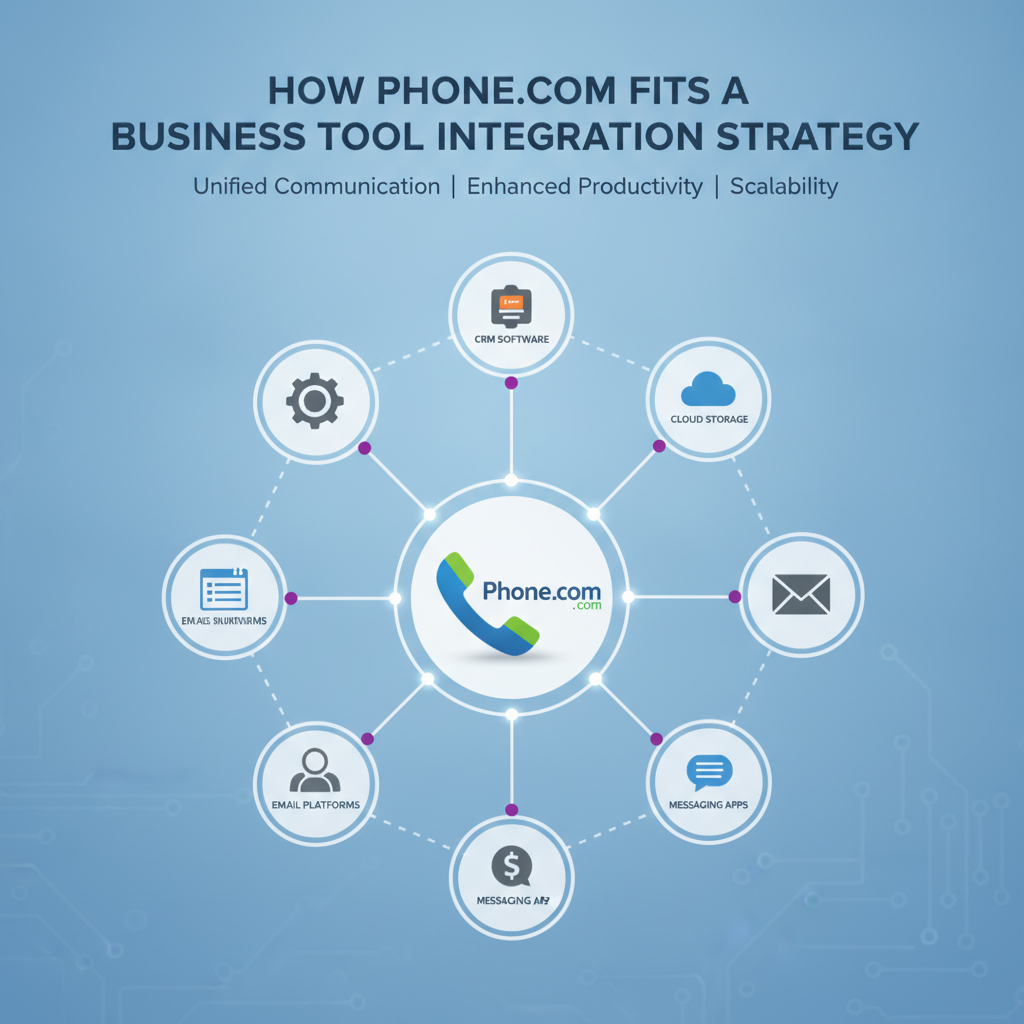
When enterprise organizations evaluate communications solutions involving VoIP business phone systems, cloud-based voice, SMS, and AI-powered routing, seamless connectivity is critical. Platforms like Phone.com support business tool integration strategies through native connectors, integration-platform automation, and custom APIs. Buyers must select the optimal architectural pattern for each workflow based on latency, data ownership, event volume, and recovery requirements.
Without properly integrated systems, a sales representative finishes a customer call, but the customer relationship management (CRM) system has no record of it. An appointment is rescheduled in one application but remains unchanged in another. An SMS reply reaches a shared inbox, where nobody knows which account owns the conversation.
These operational gaps drive business-tool integration as a buying priority for technology companies. Metrigy's CPaaS MetriRank 2025 reports that the global communications platform as a service (CPaaS) market reached $14.3 billion in 2024 and projects a 5.9% compound annual growth rate through 2029. CPaaS exposes functions such as voice and messaging through software interfaces. Separately, Emergen Research's U.S. iPaaS market analysis estimates that the integration platform as a service market was worth $10.5 billion in 2024, with cloud deployments representing approximately 75% of that market and an expected 11.2% CAGR to 2034.
Buyers should begin with workflow maps rather than feature lists. For example, an inbound call might need to trigger caller identification, query Salesforce by an E.164-formatted telephone number (the international standard that includes a country code), route the caller according to account tier, and write the disposition back through a REST API. If the caller requests an appointment, the workflow may also create a calendar event and send an SMS confirmation.
Each handoff should identify the system of record, required data fields, acceptable latency, and failure path. That exercise reveals whether the project primarily needs VoIP, programmable messaging, AI-assisted routing, appointment scheduling, or a combination of those capabilities.
Choose an Integration Pattern
An effective architecture typically combines native connectors, iPaaS automation, and custom API development. A native connector is a prebuilt link maintained for two named products, while iPaaS software orchestrates data and actions across multiple applications. B2B SaaS Tool Hub's 2026 integration analysis describes a hybrid approach that uses native integrations for the top 1-2 systems, iPaaS products such as Workato, Zapier, or Make for the long tail, and custom connectors for high-volume or real-time synchronization.
Organizations evaluating solutions like Phone.com can apply this model by examining how voice, video, SMS, MMS, and routing functions connect with the company's CRM, help desk, scheduling platform, and identity provider. The evaluation should inspect actual API documentation rather than relying on a marketplace logo.
Native integrations tend to suit common workflows such as logging calls in Salesforce or HubSpot. An iPaaS handles lower-frequency processes, including copying voicemail metadata into a service ticket or notifying a Microsoft Teams channel after a missed call. Custom REST endpoints and webhooks are more appropriate when routing decisions depend on real-time customer data.
According to SaaS Platform Integration Architecture for Enterprise Multi-App Operations, scalable designs use REST APIs, selective GraphQL, webhooks, event-driven processing, and centralized API management. Buyers should verify support for JSON payloads, OAuth 2.0 scopes, API rate limits, idempotency keys, and webhook signature validation.
Build an Integration Checklist
While feature demonstrations highlight successful paths, production systems must handle expired access tokens, duplicate webhook delivery, unavailable CRM endpoints, malformed phone numbers, and messages sent outside permitted contact windows.
Organizations should verify how a provider retries a failed webhook and whether retry intervals use exponential backoff. Administrators must be able to replay an event after Salesforce, HubSpot, or another destination recovers. A dead-letter queue for events that could not be processed, a searchable event log, and a correlation ID convert obscure synchronization problems into traceable support tickets.
The technical checklist must also cover number portability, Session Initiation Protocol (SIP) compatibility, call-recording controls, SMS consent records, data residency, role-based access, and single sign-on (SSO). For AI-powered routing, IT teams should verify which input fields affect a decision and what happens when the model's confidence falls below a configured threshold.
Establishing field ownership prevents bidirectional synchronization loops. If both the CRM and scheduling application can update a customer's mobile number, a synchronization process may repeatedly overwrite valid data. Establishing Salesforce as the owner of contact records, while the communications service owns call-state data, resolves this conflict.
Plan a Phased Deployment
During discovery, business operations must document call flows, message templates, appointment rules, escalation queues, and retention requirements. The technical team can then inventory REST endpoints, webhook events, OAuth 2.0 scopes, firewall rules, and existing iPaaS recipes.
The pilot phase should use a limited queue or department. Test cases must include abandoned calls, transferred calls, unanswered SMS messages, duplicate events, CRM outages, and appointment cancellations. The selected communications platform should be assessed against the required call-routing logic, API observability, administrative controls, and escalation processes.
During broader rollout, integration engineers can place an API gateway between communications services and internal applications. The gateway validates JSON schemas, enforces rate limits, rotates credentials, and sends failed events to a queue such as Amazon Simple Queue Service or Azure Service Bus. Operations teams require runbooks covering token expiration, webhook replay, number-porting exceptions, and fallback routing.
Organizations must prioritize number migration stability by retaining temporary forwarding rules and validating inbound, outbound, emergency-calling, and messaging behavior before retiring the previous service.
Measure Integration Results
Post-launch measurement requires monitoring workflow behavior over generalized productivity claims. Key metrics include the percentage of calls automatically attached to the correct CRM account, median webhook-delivery latency, failed-event volume, appointment no-show rates, abandoned-call rates, and the number of records requiring manual correction.
For service teams, verify whether an inbound call creates a ticket with the correct customer ID, queue, recording reference, and disposition. For sales teams, track whether call outcomes populate required Salesforce or HubSpot fields before pipeline reporting runs. Scheduling teams should compare confirmations sent, customer replies received, and cancellations synchronized across calendars.
An IDC MarketScape report evaluating Twilio and other CPaaS providers highlights their role as enablers of embedded voice, messaging, and verification across CRM, service-desk, and e-commerce workflows. To achieve this, organizations must determine whether their selected platform exposes sufficient event data to validate workflow execution.
Integration Takeaways for Buyers
Native connectors deliver value only when they map the fields a team actually uses. A connector that records call duration but omits account ID, consent status, or disposition forces employees to enter data manually.
Webhook recovery requires equal focus alongside API functionality. Because communications events occur in real time, an integration that drops messages during a CRM outage creates incomplete customer histories. IT departments should simulate destination failures, retries, and event replays before expanding beyond the pilot group.
Finally, governance must be built into the design phase. Separate OAuth 2.0 credentials by environment, restrict scopes to required objects, and definitively assign ownership for call data, contact records, and scheduling fields.
Integration FAQs and Use Cases
This hybrid model supports regional banks, healthcare scheduling teams, professional-services firms, and multi-location retailers. Each organization adapts routing rules, retention settings, consent controls, and system-of-record decisions to its regulatory and operational requirements.
How long does a business phone integration take?
Timelines depend on connector availability, number porting, and workflow complexity. A native CRM connector may move through discovery, pilot, and rollout quickly, while custom REST APIs, SSO, event queues, and bidirectional synchronization require extensive testing and governance.
What is the difference between CPaaS and iPaaS?
CPaaS exposes communications functions such as voice, SMS, MMS, video, and verification through APIs. In contrast, iPaaS products orchestrate data between CPaaS services and applications including Salesforce, HubSpot, calendars, and service desks.
Is a custom API better than a native connector?
Custom APIs are necessary when a workflow requires real-time routing, high event volume, specialized field mappings, or controlled retry logic. A native connector is more practical for standard workflows, provided it supports the required CRM objects, OAuth 2.0 controls, and error logs.