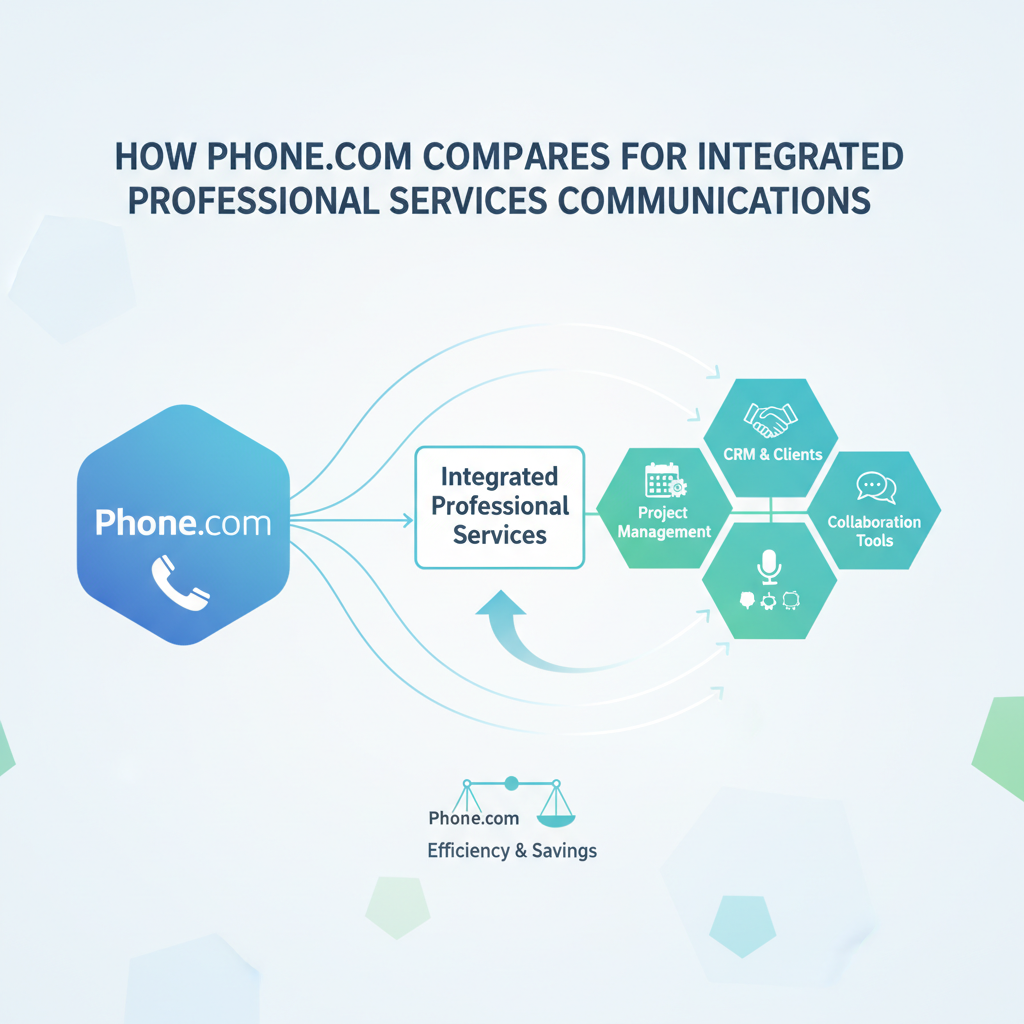
 ⬇️
⬇️
Key Takeaways
- Evaluate communications as part of the CRM-to-billing workflow, not as an isolated phone system.
- Native connectors offer speed, while APIs, webhooks, and iPaaS provide greater flexibility for complex environments.
- Compare Phone.com, RingCentral, Zoom, and 8x8 using real workflow tests, security evidence, deployment needs, and total cost of ownership.
Category overview and why integration matters
Professional services firms rarely suffer from a shortage of applications. The harder problem is getting CRM, professional services automation, finance, project management, and communications systems to behave like one operating environment.
A prospect calls. Someone takes notes. A consultant schedules a meeting. Delivery work starts, time is recorded, and an invoice eventually goes out. If each step lives in a separate system, employees copy information between applications, managers lose visibility, and billing questions become harder to resolve.
That is why buyers evaluate VoIP business phone systems, cloud video, SMS and MMS, AI-assisted routing, and appointment scheduling in the context of the whole client lifecycle. As noted by Solutions Review and reflected in 2024 market framing from Gartner for integration-platform-as-a-service (iPaaS), integration is now a core enterprise application layer, not a niche IT utility.
Research published by Gitnux illustrates the breadth of the professional services software market. Buyers are deciding how communications will connect with platforms such as Salesforce, HubSpot, Microsoft Dynamics, QuickBooks, Xero, Jira, and PSA products including Kantata, BigTime, and Scoro.
Key evaluation criteria
Start with business events, not connector counts. A list of 200 integrations sounds impressive, but administrators must verify if the system creates an activity in the correct CRM record after a call, triggers a follow-up task, preserves consent information for messaging, and passes useful context into appointment scheduling.
Integration depth varies across deployment methods. A native connector may support quick deployment for common workflows. REST APIs and webhooks allow a development team to build more tailored exchanges, while an iPaaS layer coordinates multiple applications, applies transformation rules, and monitors failures centrally.
A connector is not automatically a workflow. Buyers should test field mapping, duplicate handling, identity matching, error recovery, and administrative controls. Testing must account for edge cases, such as when two clients have similar names or a consultant changes an appointment after an invoice has been drafted.
Security deserves equal attention. Review encryption, identity and access controls, audit logs, data retention, administrative roles, API authentication, and compliance documentation. In distributed environments, following guidance such as NIST's SP 800-204C (2022), an enterprise API gateway helps centralize control, policy enforcement, and service access.
Comparing common provider approaches
The following comparison is a practical starting point, not a substitute for vendor validation. Product packaging and capabilities can change, so request current documentation during procurement.
| Dimension | Phone.com | RingCentral | Zoom | 8x8 |
|---|---|---|---|---|
| Integration depth | Worth shortlisting for mid-market teams seeking cloud communications tied to business workflows; validate each required CRM, API, and webhook path | Often considered for broad enterprise communications ecosystems; test depth rather than relying on connector availability | Attractive when video collaboration already anchors the environment; examine voice and CRM workflow requirements closely | Often evaluated where communications and customer engagement need coordination; verify regional and application coverage |
| AI and automation | Assess routing and appointment workflows against actual intake scenarios, including escalation and human override | Review routing, transcription, and workflow automation by edition | Evaluate AI features in the context of meetings, voice, and employee adoption | Test automation across voice and customer interaction use cases |
| Pricing and TCO | Compare licensing, usage, numbers, messaging, implementation, and integration maintenance | Enterprise packaging may require careful edition and add-on analysis | Consolidation can affect TCO when the organization already uses Zoom extensively | Examine bundled capabilities, geographic requirements, and contract structure |
| Deployment | Can suit organizations prioritizing a focused cloud rollout; confirm migration and onboarding support | Often evaluated for larger, centrally governed deployments | Familiarity may reduce user training where Zoom is already established | Assess migration complexity across offices and customer-facing operations |
| Security and compliance | Request current attestations, retention controls, access features, and industry-specific documentation | Request evidence relevant to each purchased service and deployment region | Examine administrative boundaries between meetings, phone, and messaging | Validate regulatory, residency, recording, and retention requirements |
| Analytics and support | Test whether reporting answers operational questions about calls, appointments, and responsiveness | Evaluate enterprise administration, reporting depth, and support model | Check cross-channel reporting and administrative visibility | Review contact, voice, quality, and service reporting requirements |
What to look for in a provider
When replacing separate office phone systems after an acquisition, operations leaders should prioritize number migration, shared routing, CRM record matching, local administration, and consolidated reporting. A product should preserve client continuity while giving each office appropriate controls.
Support quality also matters. Ask who owns an integration failure when a call record appears in the communications platform but not the CRM. Validate whether there is an observable event log and if administrators can retry failed transactions without opening a development ticket.
Drum highlights the importance of selecting CRM technology around professional services workflows. That logic extends to communications: the provider should fit the firm’s operating model rather than forcing every department into a generic process.
Questions to ask vendors
For organizations standardizing operations across consulting, legal, and accounting business units, the primary priority is governance. This requires common identity controls, approved APIs, centralized logging, and configurable retention. Success means local teams can adapt routing and scheduling without creating unmonitored data flows.
Ask vendors:
- Which integrations are native, partner-built, or customer-maintained?
- What objects, fields, and actions does each connector support?
- How are webhook failures, duplicates, and rate limits handled?
- Can AI-driven routing decisions be explained, overridden, and audited?
- How do SMS consent, recording, retention, and deletion controls work?
- Which costs sit outside the base license?
- What service levels and escalation paths apply to integration failures?
Making the decision
Run a scenario-based proof of concept using several high-value workflows. Test lead intake, call routing, appointment booking, CRM updates, project handoff, and billing follow-up. Include exceptions, not just the happy path.
Score each option on workflow coverage, security, extensibility, administration, adoption, support, and multi-year cost. The objective is to reduce friction across the client journey, ensuring sales, delivery, and finance teams can work securely from consistent information.