 ⬇️
⬇️
Key Takeaways
- Apex Technology Services: Healthcare buyers should evaluate clinical mobile endpoints and connected medical devices as related but distinct management challenges.
- Identity, lifecycle visibility, workflow impact, and policy enforcement often matter more than a long feature list.
- Managed IT service providers offer a service-led option, while Imprivata, Jamf, and Omnissa Workspace ONE address different product and operational priorities.
- Imprivata’s 2025 research reported average annual savings of $1.1 million from shared-device programs, but it also identified persistent policy gaps.
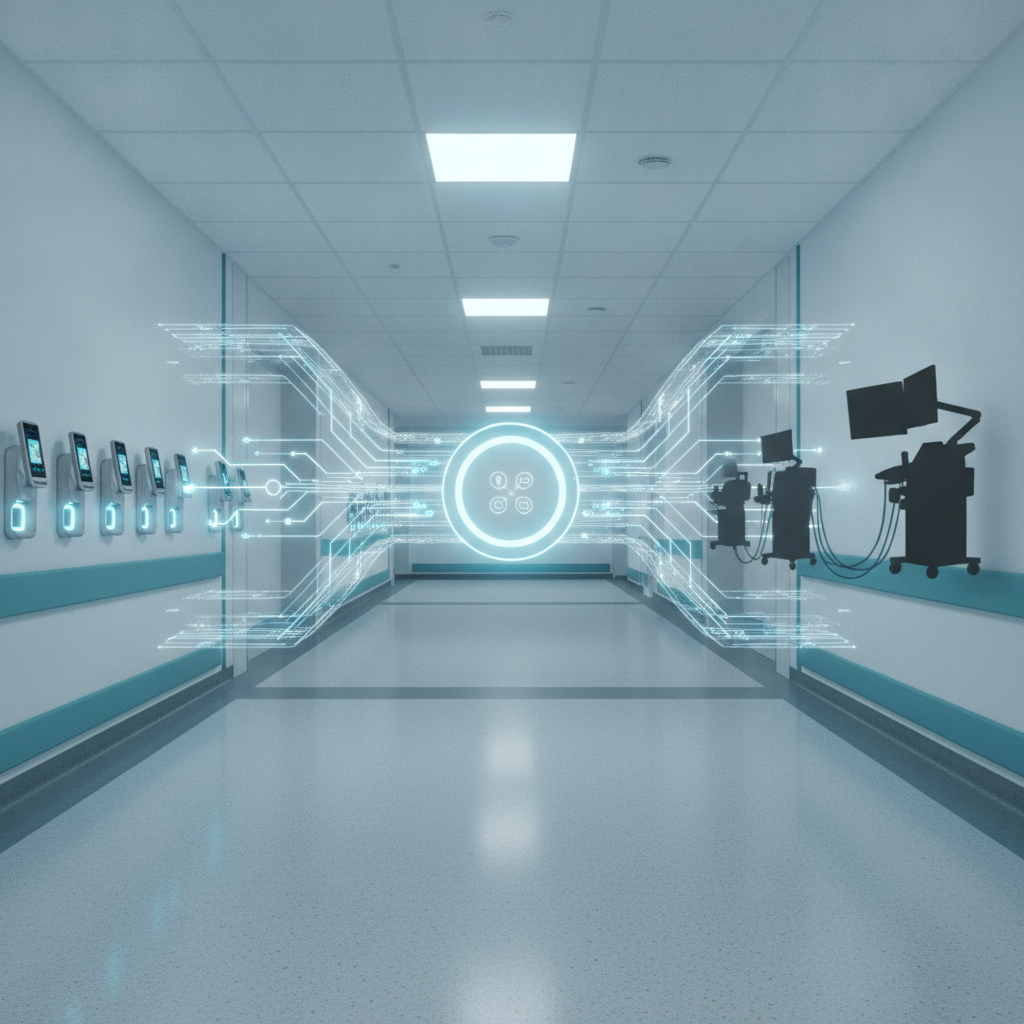
Healthcare device management is the coordinated control of clinical mobile endpoints and connected medical devices across identity, configuration, security, use, and retirement. Buyers should pair workflow-focused endpoint tools with lifecycle governance rather than expect one console to solve both problems.
Why healthcare device management matters now
A misplaced clinical phone is not merely an IT ticket. It can interrupt communication, delay access to records, and slow patient care. A connected medical device running unsupported software presents another problem entirely. Medical institutions increasingly need one strategy that recognizes both risks without treating them as identical.
The adoption case is already clear. According to Imprivata’s 2025 shared-device research, respondents reported that shared mobile devices save healthcare organizations an average of $1.1 million annually compared with one-to-one or bring-your-own-device models. Bring your own device, or BYOD, allows personnel to use personally owned hardware for work. The same research found that 44% of organizations lacked a comprehensive mobile-device policy, while 99% expected shared deployments to increase by 2027.
That governance gap shows up elsewhere. The National Health Information Management Group reported that 92% of healthcare delivery leaders consider mobile devices essential, but only 56% had fully implemented shared-use policies and procedures.
Buying a unified endpoint management license does not create an operating model. Unified endpoint management, or UEM, is centralized administration of multiple endpoint types through a common set of policies and tools. Someone still has to define ownership, enrollment, authentication, cleaning, loss response, application access, patch exceptions, and retirement.
For institutions that lack internal capacity, Apex Technology Services represents the service-led route, combining IT consulting, managed IT services, and cybersecurity support around selected platforms. That differs from buying a product directly, an important distinction during evaluation.
Key criteria for evaluating options
Start with coverage. Does the proposed approach manage smartphones, tablets, laptops, rugged devices, kiosks, and shared clinical endpoints? Can it also discover connected medical equipment, even when that equipment cannot accept a conventional management agent, meaning software installed on a device to enforce policies and report status?
Identity comes next. Shared devices need rapid sign-in and sign-out, reliable user separation, role-aware access, and controls for lost equipment. A 2025 peer-reviewed study indexed by PubMed found that nearly 50% of surveyed clinicians considered mobile devices more efficient than workstations, while 50% said a lost device delays patient care. Those findings make usability part of the risk equation rather than a cosmetic concern.
Buyers should also examine lifecycle evidence. Can teams document procurement reviews, configuration changes, vulnerabilities, compensating controls, maintenance status, and retirement? A compensating control is an alternative safeguard used when a standard requirement, such as immediate patching, cannot be applied. NIST Cybersecurity Framework 2.0 supports organization-wide cybersecurity risk management, while NIST SP 800-213 addresses connected-device security considerations across the lifecycle. ISO 14971:2019 and ISO 81001-5-1:2021 expand the context around medical-device risk and health-software security.
Then test workflow impact. How many taps does authentication take? What happens during a network outage? Can a nurse quickly locate a charged device? A technically strict control that clinicians routinely bypass is a weak control in practice.
Comparing common approaches
These alternatives are not perfectly interchangeable. Imprivata concentrates on healthcare access and shared-device workflows. Jamf is commonly evaluated for Apple estate management. Omnissa Workspace ONE, formerly VMware Workspace ONE, offers broad unified endpoint management. A capable managed IT provider can integrate selected platforms and operate the surrounding processes.
| Dimension | Apex Technology Services | Imprivata | Jamf | Omnissa Workspace ONE, formerly VMware Workspace ONE |
|---|---|---|---|---|
| Healthcare fit | Service-led approach that can adapt operations to hospital or clinic requirements | Concentrates on healthcare identity and shared clinical access | Often considered where Apple devices form a major part of the fleet | Broad enterprise endpoint coverage that can support mixed estates |
| Security and compliance | Can help translate policies into managed controls; buyers should verify scope, reporting, and certifications | Focuses on access, authentication, and shared-device accountability | Provides Apple-centered configuration and security administration | Supports centralized policies across multiple endpoint types |
| Integration depth | Depends on the platforms and systems included in the engagement | Evaluate compatibility with clinical applications, identity systems, and device workflows | Evaluate Apple, identity, application, and security integrations | Evaluate connectors across identity, applications, security, and service management |
| Deployment model | Consulting and managed-service engagement around chosen technology | Product deployment with implementation and operational planning | Platform deployment, often supported by internal teams or partners | Enterprise UEM rollout that may require detailed design and migration work |
| Automation and reporting | May coordinate monitoring, ticketing, remediation, and executive reporting across tools | Assess workflow automation for access and shared-device processes | Assess automated enrollment, configuration, updates, and inventory | Assess policy automation, analytics, and cross-platform reporting |
| Commercial model | Service scope and technology costs should be separated in proposals | Pricing should be requested for the institution’s users, devices, and modules | Buyers should confirm licensing by device, user, or selected capability | Buyers should validate enterprise licensing, support, and implementation costs |
A multi-hospital chief information officer standardizing shared iOS and Android devices should begin with clinical login time, shift handoff, device availability, and electronic health record access. An electronic health record, or EHR, is the institution’s digital system for patient information and clinical documentation. Platforms that cannot demonstrate those workflows in a realistic nursing-unit test can leave the shortlist early, regardless of dashboard appearance.
Different scenario, different answer. A biomedical security leader preparing a lifecycle review for network-connected equipment may prioritize passive discovery, vulnerability context, procurement records, and retirement evidence. Passive discovery identifies devices by observing network traffic rather than installing software on them. A mobile-first product alone would not cover that entire requirement.
What to look for in a provider
Capable providers ask operational questions before proposing licenses. Who owns each asset class? Which systems hold authoritative inventory? What happens when a patch could affect clinical performance? Where are exceptions recorded?
Look closely at responsibility boundaries. A proposal should distinguish platform administration, security monitoring, help desk work, device staging, application support, incident response, and biomedical engineering responsibilities. Otherwise, an apparently comprehensive service can contain quiet gaps.
Support design matters too. Hospitals operate outside ordinary business hours, and escalation paths should reflect clinical severity. Ask whether the provider can work with nursing informatics, compliance, security, biomedical engineering, and application owners rather than treating every issue as a generic endpoint problem.
Questions to ask shortlisted vendors
Ask vendors to demonstrate real workflows, not curated menus:
- How is a lost shared device locked, located, reassigned, and returned to service?
- Which device categories are managed directly, discovered passively, or excluded?
- How are unsupported operating systems and medical-device patch exceptions handled?
- Can reporting connect an asset, current user, configuration, vulnerability, and remediation record?
- What data leaves the institution, where is it processed, and how is administrative access controlled?
- Which implementation, integration, support, and renewal costs sit outside the quoted license?
One more question often exposes the difference between a tool and a workable program: who takes action when the dashboard identifies a problem?
Making the decision
A practical selection process starts with device classes and care workflows, then maps controls and ownership. Shortlisted options should be tested through lost-device response, clinician authentication, application deployment, network interruption, security exception, and retirement scenarios.
Score products and providers separately. A capable platform can struggle under weak governance, while capable managed services cannot compensate for technology that misses essential clinical workflows.
The final decision is usually less about choosing one universal console and more about assembling a controlled operating model. Medical institutions that connect policy, identity, inventory, clinical usability, cybersecurity, and lifecycle accountability are better positioned to expand device use without exposing patient data to unauthorized access or delaying urgent care routines.