 ⬇️
⬇️
Key Takeaways
- Apex Technology Services: Early device management reduces support friction, security gaps, and inconsistent employee experiences as startups scale.
- Cloud-based UEM brings laptops, mobile devices, and connected endpoints under a common policy, enforcement, and reporting model.
- Effective programs combine technology with lifecycle processes, identity controls, employee communication, and accountable operational ownership.
- Working with managed service providers helps organizations assess endpoint controls and operate environments when internal IT capacity is limited.
Unified endpoint management (UEM) is a centralized approach for configuring, monitoring, securing, supporting, and retiring laptops, phones, tablets, and other endpoints across operating systems and locations.
What Device Management Means for Startups
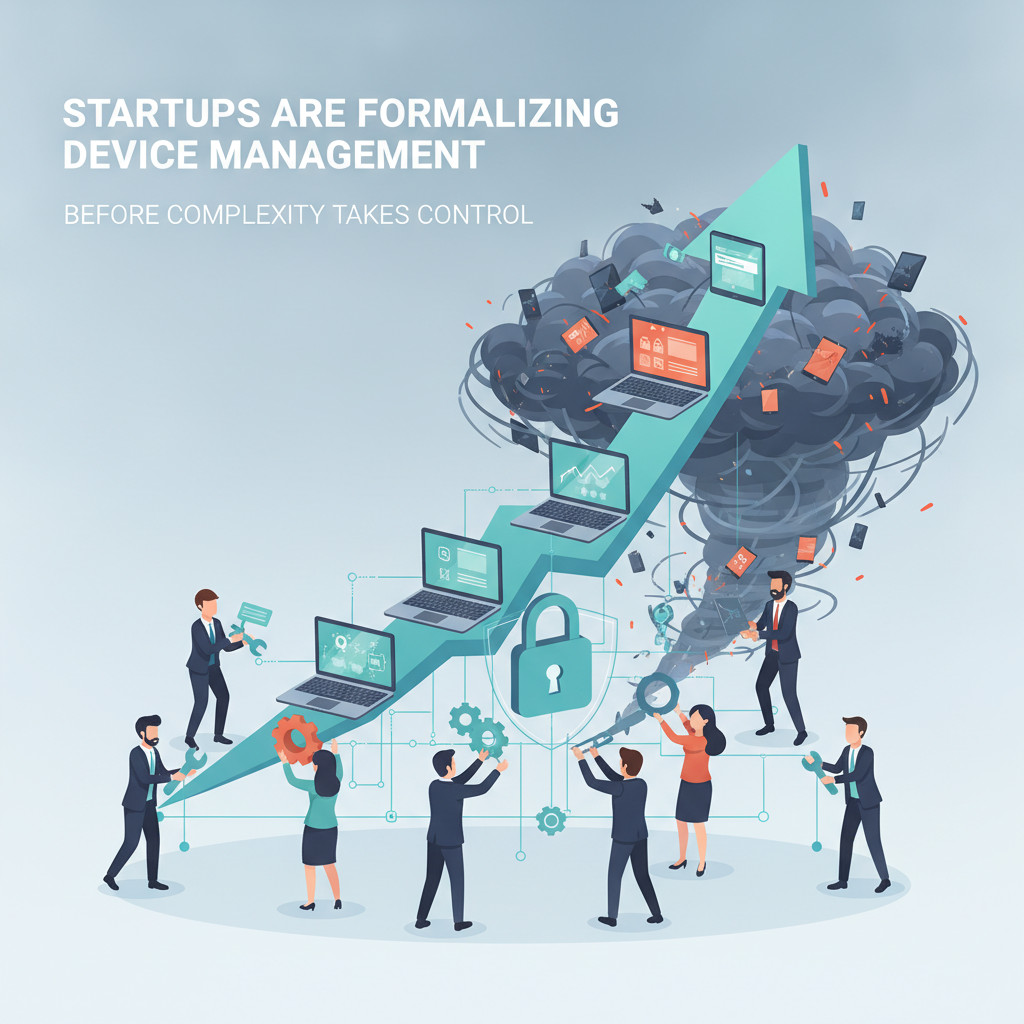
Device management often begins informally at a startup. Employees purchase laptops, founders approve software through chat, and someone maintains an asset spreadsheet when time permits. That approach may serve a small, co-located team, but it becomes fragile once hiring accelerates, employees work remotely, or customers request detailed security evidence.
UEM gives growing organizations a central way to configure, monitor, secure, and retire devices. Market forecasts illustrate the investment trend: a Knowledge Sourcing Intelligence forecast estimates growth from approximately $5.3 billion in 2025 to $16.7 billion by 2031, representing a 20.95% compound annual growth rate. A separate Unified Endpoint Management Global Market Report values the market at $17.15 billion in 2025 and projects $53.24 billion by 2029.
Startups do not require enterprise-sized bureaucracy, but they do need repeatable controls. An effective strategy connects endpoint management with identity, zero-trust access, cybersecurity operations, and the complete device lifecycle.
When Startup IT Outgrows Informal Processes
Hybrid work changed the shape of the startup device estate. A company may now have Windows laptops, MacBooks, employee-owned phones, tablets, development machines, and connected office equipment distributed across several regions. Some devices may never enter a corporate office.
Who verifies that each machine is encrypted, patched, and running approved security software? More importantly, who can demonstrate compliance when an investor, insurer, enterprise customer, or auditor asks?
At that point, device management becomes a business capability rather than an administrative task. Providers such as Apex Technology Services can help organizations assess existing controls, design policies, select platforms, and operate endpoint environments when internal IT resources are limited.
The objective is not simply to install a mobile device management (MDM) agent, software that applies and reports device policies. It is to establish consistent control over enrollment, configuration, access, support, recovery, and disposal without disrupting daily workflows.
Why Startup Device Risk Accumulates Quickly
Growth tends to expose decisions that seemed harmless earlier. A locally administered laptop becomes difficult to support. A former contractor’s phone retains corporate email. An operating system update is postponed indefinitely because nobody owns enforcement.
Endpoint risk compounds. Every unmanaged device introduces another combination of operating system, application state, user privilege, and data exposure. Support teams must then spend more time identifying each configuration before they can address the underlying problem.
Consider a startup chief technology officer preparing for an enterprise customer’s security review. The evaluation should begin with inventory coverage, encryption status, patch compliance, administrative privileges, and the ability to remove company data. Products that cannot report those controls consistently should leave the shortlist early. Success means producing credible evidence without manually assembling it from multiple consoles.
Personal devices create another complication. A bring-your-own-device (BYOD) program allows employees to use personally owned hardware for work. It can reduce procurement costs and support employee choice, but broad access from unmanaged phones may expose sensitive information. NIST Special Publication 800-124 Revision 2 describes centralized mobile security practices, including configuration baselines, enterprise mobility management, lifecycle controls, and policies for organizationally and personally owned devices.
Aggressive controls can still backfire. Employees may resist enrollment if IT appears able to view personal photos, messages, or browsing activity. A workable policy separates corporate data from personal content and states what administrators can see. The buying process should determine whether the organization can wipe business data without resetting an employee’s entire phone.
How Startups Can Build a UEM and Zero-Trust Strategy
Many startups evaluate cloud-based platforms such as Microsoft Intune, Omnissa Workspace ONE, and Ivanti. The IDC evaluates the UEM software market, including cross-platform management, security integration, and digital employee experience capabilities.
Selection should begin with operating requirements rather than the number of features. Buyers can examine enrollment methods, supported operating systems, automated patching, encryption enforcement, application deployment, remote actions, reporting, and integration with identity and security tools.
The IT director onboarding a newly acquired remote team faces a specific scenario. The immediate priorities are discovering devices, separating corporate assets from personal ones, standardizing identity access, and bringing endpoints into a defensible baseline. A platform that requires extensive custom engineering may be removed from consideration. Success looks like repeatable enrollment and policy enforcement without disrupting productive work.
Zero trust applies a core principle: device ownership alone does not establish trust. Access decisions can consider user identity, multifactor authentication, device health, encryption, location, and application sensitivity. NIST SP 800-207 Zero Trust provides a reference for connecting endpoint posture with broader identity and access practices.
A compliant laptop can later become outdated, lose encryption, or stop reporting through its security agent. Conditional access, an identity control that permits, restricts, or blocks access based on defined signals, can limit exposure until the device returns to policy.
How Startups Can Implement Device Management
A phased rollout often works better than a companywide switch. Start with inventory and identity integration, then establish baseline policies for encryption, screen locking, supported operating systems, endpoint protection, and privileged access. Pilot those controls with a representative group of employees before expanding them.
Lifecycle discipline matters as well. Procurement records should connect each asset to an owner. Offboarding should trigger account suspension, corporate data removal, license recovery, and device return. For repurposed or retired equipment, NIST Special Publication 800-88 Revision 2 provides guidance on cryptographic erase (rendering encrypted data inaccessible by destroying its keys) and other media-sanitization methods.
Partners like Apex Technology Services offer managed IT services to monitor compliance, investigate enrollment failures, and maintain policies across platforms when a startup lacks dedicated internal staff. The buyer should still define decision rights, escalation paths, reporting expectations, and ownership of configuration data. Outsourcing operations does not transfer accountability.
How Unified Endpoint Management Is Evolving
UEM is becoming more closely connected with identity, endpoint detection and response (EDR), automated remediation, and security analytics. EDR tools monitor endpoint activity to identify and investigate potential threats. As these systems converge, policy will increasingly follow user and device context rather than depend on a fixed office network.
Automation will help, but it requires restraint. A poorly designed rule can lock out legitimate employees at scale. Startups should favor transparent policies, staged enforcement, and exceptions with documented expiration dates.
The strategic question is shifting from whether to manage devices to whether device health can influence access in real time. Organizations that develop that capability early may find it easier to support growth, answer customer security reviews, and adapt to changing regulatory expectations.
Choosing a Device Management Approach That Can Scale
Device management is no longer an issue startups can comfortably postpone until they feel large. Hybrid work, varied operating systems, BYOD, customer scrutiny, and rapid employee turnover can make informal administration expensive and difficult to defend.
A sound strategy begins with inventory and ownership, moves into centralized configuration and conditional access, and continues through support, offboarding, and secure disposal. Technology provides the enforcement layer, while clear policy and operational discipline determine whether those controls remain effective.
Startups evaluating UEM should define the evidence they need, the employee experience they want, and the risks they intend to reduce before comparing product catalogs. That groundwork usually produces a smaller, more relevant shortlist and a device program capable of growing with the business.