 ⬇️
⬇️
Key Takeaways
- NJTRAx data and student-to-device ratios as low as 5:1 make performance testing across Chromebooks, tablets, and laptops a practical procurement requirement.
- WCAG 2.0 Level A and AA criteria should be translated into testable acceptance conditions, including keyboard navigation, labeled forms, captions, and 4.5:1 text contrast.
- A phased rollout should validate integrations with Canvas, Blackboard, identity providers, VoIP systems, and district security controls before a public launch.
Define the Problem Around Student Access
A parent opens a district website on an older phone to find a school-closing notice. A student uses a shared Chromebook to submit an assignment. At the same time, a staff member updates an event through a content management system. All three depend on the same web environment, but their devices, permissions, and connectivity differ substantially.
New Jersey makes some of those differences visible. The New Jersey Department of Education uses the NJTRAx Technology Readiness Tool to monitor network readiness and student-to-device ratios. Those ratios now appear in School Performance Reports, with some schools reporting figures as low as 5:1 for devices that meet recommended online-testing and digital-learning specifications.
For buyers, the central question is therefore broader than visual design: can the site deliver essential content quickly and accessibly across a mixed device fleet?
A useful discovery process maps high-value journeys before discussing colors or templates. These journeys might include finding emergency notices, opening a lunch menu PDF, accessing Canvas, registering for an event, or calling the attendance office. Teams can then test each journey at a constrained mobile bandwidth setting, such as a 3G simulation in Chrome DevTools, rather than evaluating it only on optimal office Wi-Fi.
Evaluate Architecture Against Actual Workflows
Education websites commonly combine a Drupal or WordPress content management system, a student information system, Canvas or Blackboard, Microsoft Entra ID or Google Workspace, and several standalone applications. Buyers should ask vendors to diagram how data moves among those systems.
That diagram needs technical depth. Does the student information system expose a REST API, or will the website depend on nightly CSV imports over SFTP? Can staff authenticate through SAML 2.0 or OpenID Connect? Are calendar events published through iCalendar feeds? Will emergency alerts appear through an API, RSS feed, or manual duplication?
Strategic 2023 research from Gartner highlights mobile-first student experience platforms and learning experience platforms as important directions for education technology planning. While not every district requires a large digital experience platform, buyers must evaluate the website as part of a wider service architecture rather than an isolated publishing project.
To support these integrations securely, IT teams often partner with providers like GreenTech to secure and support the surrounding managed IT, cybersecurity, and communications environment. The operational priority is ensuring that responsibilities for DNS, hosting, backups, certificates, identity access, monitoring, and incident escalation are documented clearly before launch.
Make Accessibility an Acceptance Standard
Accessibility should appear in the request for proposal as a set of verifiable conditions. Under Section 508’s E205 provisions, electronic educational content used by federally funded institutions is expected to conform to WCAG 2.0 Level A and AA requirements, as detailed by Section508.gov.
A procurement checklist can require semantic HTML5 landmarks, keyboard-operable menus, visible focus indicators, alternative text workflows, synchronized video captions, and form errors that screen readers can identify. Normal-sized text should meet the WCAG contrast ratio of at least 4.5:1, while large text should meet 3:1.
Automated tools such as axe-core, Lighthouse, and WAVE can identify missing labels, empty links, and specific contrast failures. However, they do not determine whether alternative text effectively communicates the purpose of an instructional diagram. Manual testing with NVDA on Windows, VoiceOver on iOS, and keyboard-only navigation remains mandatory.
PDFs require dedicated attention. A well-structured HTML page is usually easier to search, resize, translate, and navigate than a scanned PDF menu or board document. While some records still need a fixed document format, those files must include tags, headings, reading order, and selectable text.
Plan the Rollout in Controlled Phases
During discovery, the project team should include a web product owner, content lead, accessibility reviewer, infrastructure administrator, security representative, and stakeholders from teaching or student services. The team inventories domains, analytics tags, third-party scripts, forms, and documents before choosing a content model.
Responsive components require testing at representative viewport widths, including 320 pixels for narrow mobile screens and 1,366 pixels for common Chromebook displays. Content editors also need a sandbox where they can create alerts, tables, event pages, and translated content without affecting the live production environment.
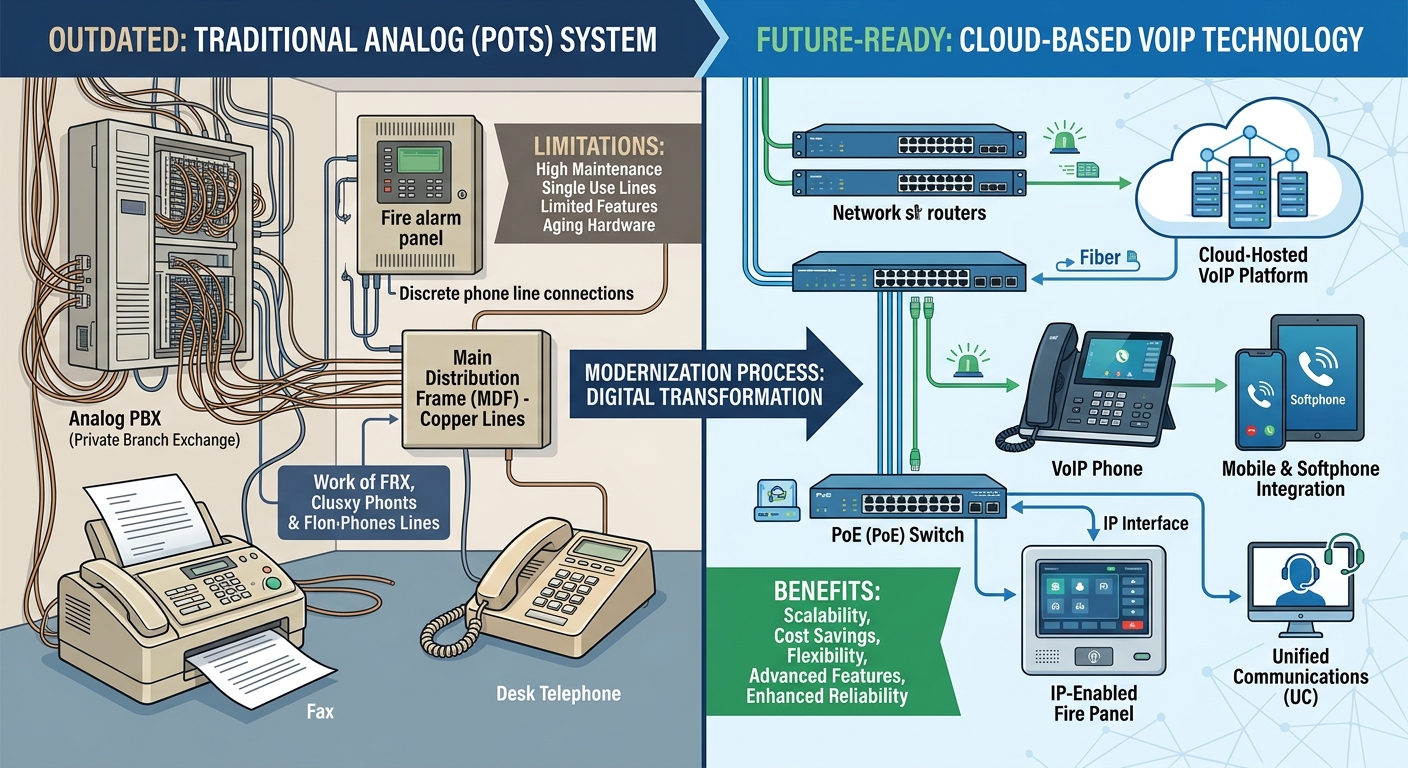
Pre-launch integration testing must cover SAML assertions, API failures, broken-link scans, DNS changes, TLS certificates, and rollback procedures. Infrastructure partners like GreenTech evaluate whether web monitoring feeds into the exact same service desk used for managed endpoints, firewall alerts, and VoIP incidents, utilizing SNMP, syslog, webhook, or REST-based integrations where appropriate.
A content freeze and staged DNS cutover reduce launch-day confusion. The previous site should remain available in a restricted rollback environment until redirects, forms, and analytics events are thoroughly verified.
Measure Outcomes Buyers Can Observe
Post-launch measurement relies on user behavior data rather than subjective approval. IT and communications teams track Core Web Vitals, failed internal searches, form abandonment, broken links, accessibility defects, support tickets, and the time editors need to publish an emergency notice.
For example, Largest Contentful Paint can be monitored against Google’s 2.5-second threshold. Search logs reveal whether visitors repeatedly type "calendar," "transportation," or "login" because navigation labels are unclear. A synthetic monitor should test the homepage, alert banner, and authentication endpoint frequently from an external network.
Organizations must compare audit findings before and after remediation. Organizations implementing these rigorous frameworks report directional improvements such as fewer critical WCAG defects, higher success rates for user task completions, and same-day correction of broken integrations.
Buyer Takeaways
The most consequential scope issue often appears in the content inventory. Thousands of old PDFs, duplicate department pages, and abandoned microsites can consume more effort than building the component library itself.
Security ownership also needs to be settled early. If the hosting provider manages the web application firewall but the district controls DNS and identity, the incident runbook must identify who rotates certificates, blocks malicious IP addresses, restores backups, and communicates during an outage.
Finally, testing must occur on the hardware students actually use. A page that performs well on a developer’s premium laptop often struggles on a shared Chromebook with limited memory and several browser tabs open.
Broader Applicability
Colleges, libraries, municipal education programs, and private schools can apply the same model by mapping user journeys, documenting REST and SAML integration points, and turning WCAG requirements into contractual acceptance tests.
How Long Does an Education Website Implementation Take?
Timing depends heavily on content volume and integrations. A focused site using an established content management system may take several months, while projects involving thousands of documents, SAML authentication, student information system data, and multilingual review require a longer phased program.
What Should a New Jersey School Include in a Web Design RFP?
Include device-performance targets, WCAG 2.0 or 2.1 Level AA acceptance criteria, CMS roles, hosting responsibilities, backup retention, and required integrations. Ask bidders to demonstrate keyboard navigation, a screen-reader workflow, and an API failure scenario rather than relying only on portfolio screenshots.
Evaluating Drupal vs. WordPress for Education Sites
Drupal often suits complex permissions, structured content, and multisite governance, while WordPress is highly practical for smaller editorial teams and simpler publishing models. The decision must reflect content types, SAML support, patching responsibility, REST API needs, and the internal team’s ability to maintain PHP, database, and plugin dependencies.